

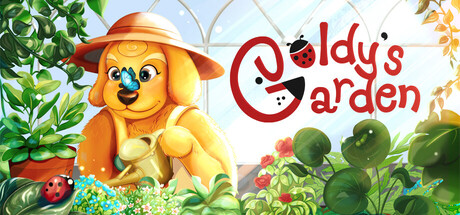
Goldy's Garden
Can my PC run Goldy's Garden
Find out whether your PC can run this game by reviewing the minimum and recommended requirements below.
Game Details
Minimum Requirements
Recommended Requirements
Game Description
Welcome to Goldy’s Garden, a cozy little insect world you can build all by yourself!
You can build terrarium pods, add different types of plants, and collect various insects as you grow your cute and huge bug house!
You can even keep your garden open on your desktop while you do homework or watch videos - your tiny world keeps growing right beside you! Build, collect, decorate, and make Goldy’s Garden your personal terrarium!
Goldy has his own little hut. As more visitors start coming, he will earn more money for you to add and unlock amazing new items! While Goldy is an idle game, you can always speed things up by coming back to help him clean up the pods and continue planting new plants.
Features
Build, decorate, and manage your terrarium!
Unlock new items by progressing and finding specific types of insects.
Buy more land and continue expanding the garden.
Dock the game to the bottom of your desktop anytime you need.
Fun typing effects while you are doing your work.
Insects flying around inside and outside the game window!
Goldy’s Garden works alongside your desktop tasks or general browsing. You can dock the game to the bottom anytime you need. We’ve made sure you have a great time by choosing cozy and relaxing colors and soundtracks while you work. You’ll also see fun random desktop effects as you play, like letters flying around the screen when you’re typing.